

Markdown reader and editor for Mac
Read Markdown the way it was meant to look
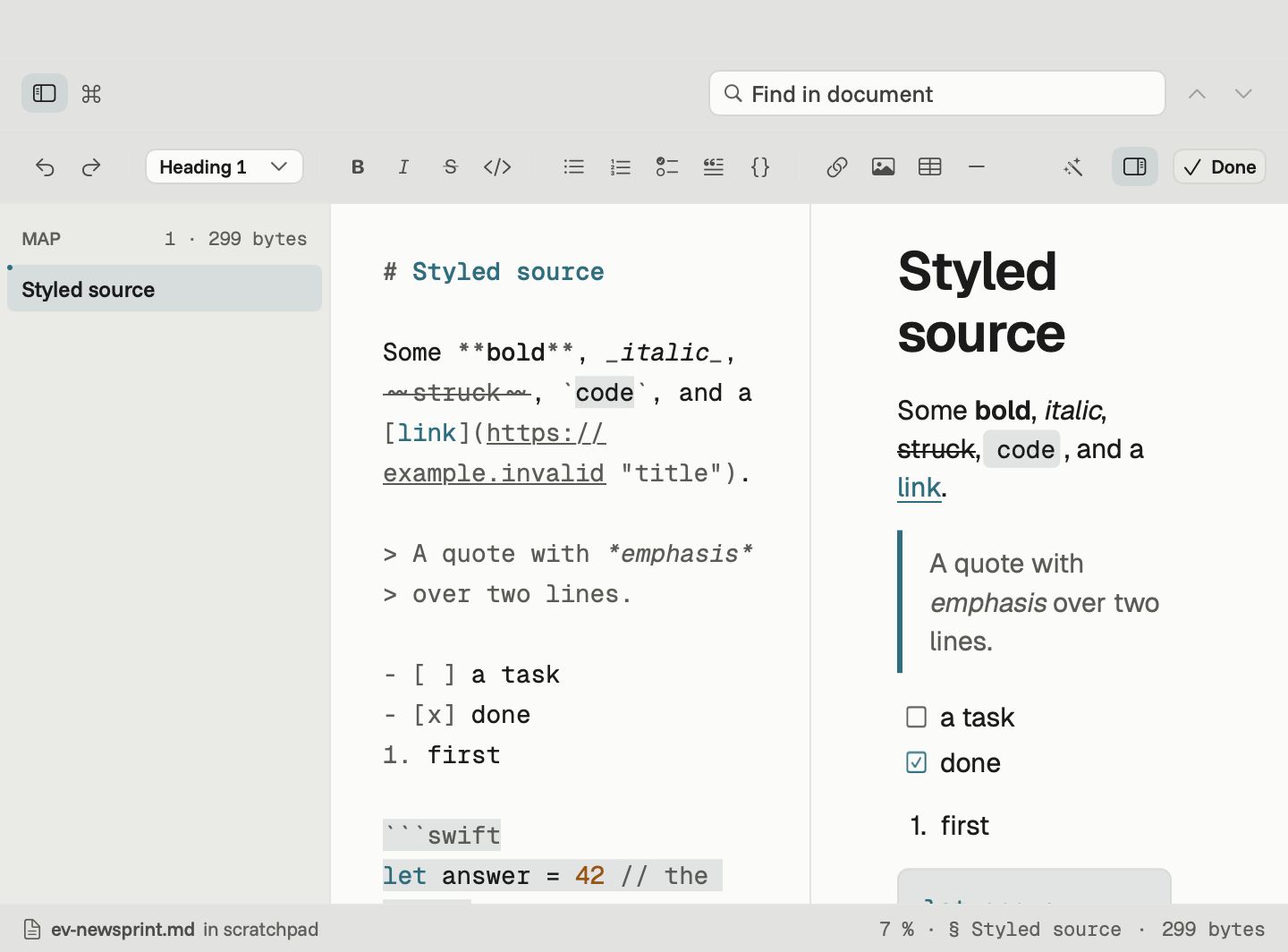
Downer opens your Markdown, diagrams, math and LaTeX papers as clean, readable pages, almost instantly. When something needs fixing, the editor is right there.
0.1 s
to open and lay out a 2 MB document
80 MB
of memory with that document open
0
dropped frames in a minute of scrolling
15
themes, each with light and dark
Measured on an M3 Max MacBook Pro. More on speed
GitHub-style Markdown
Your READMEs, the way GitHub shows them
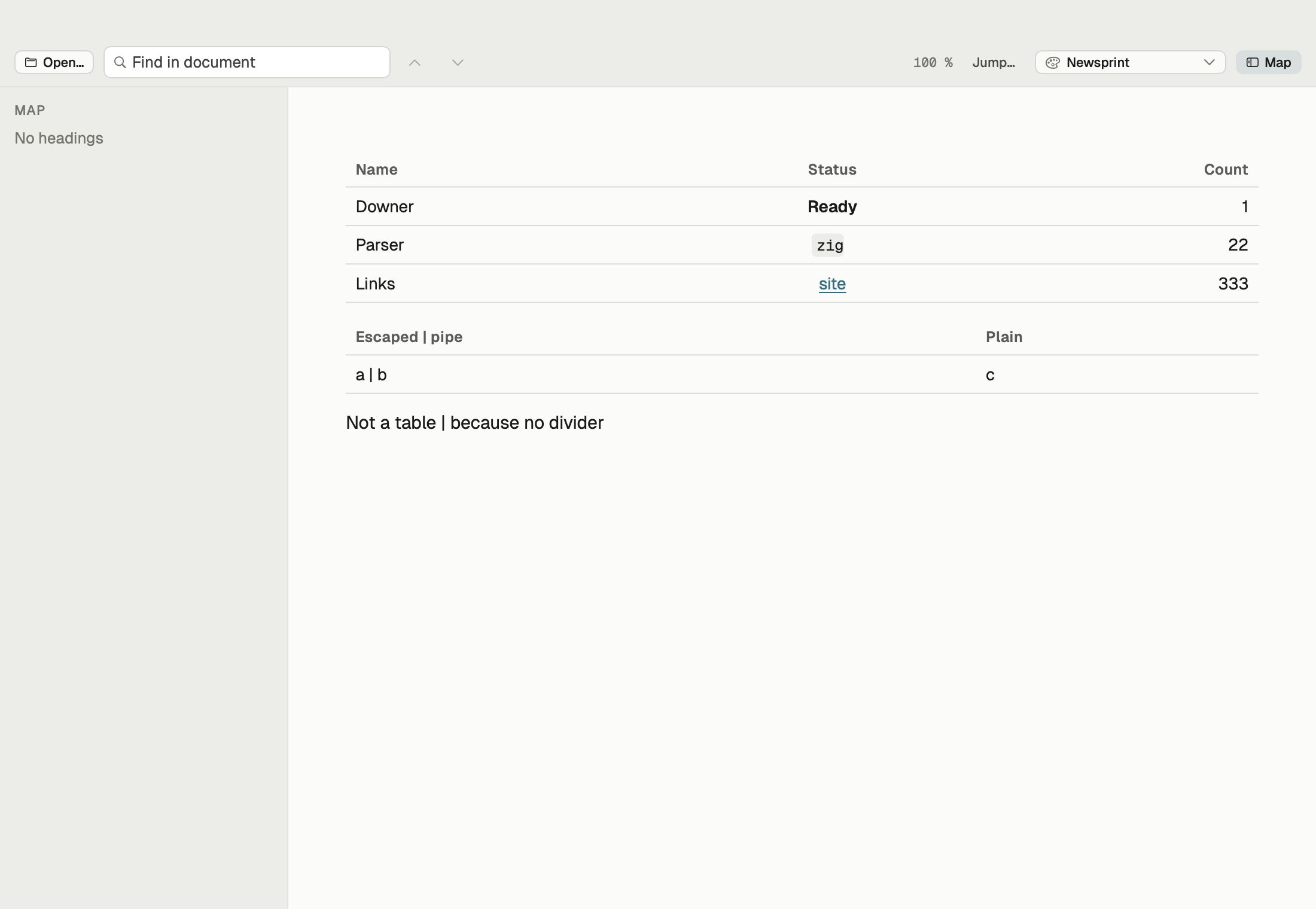
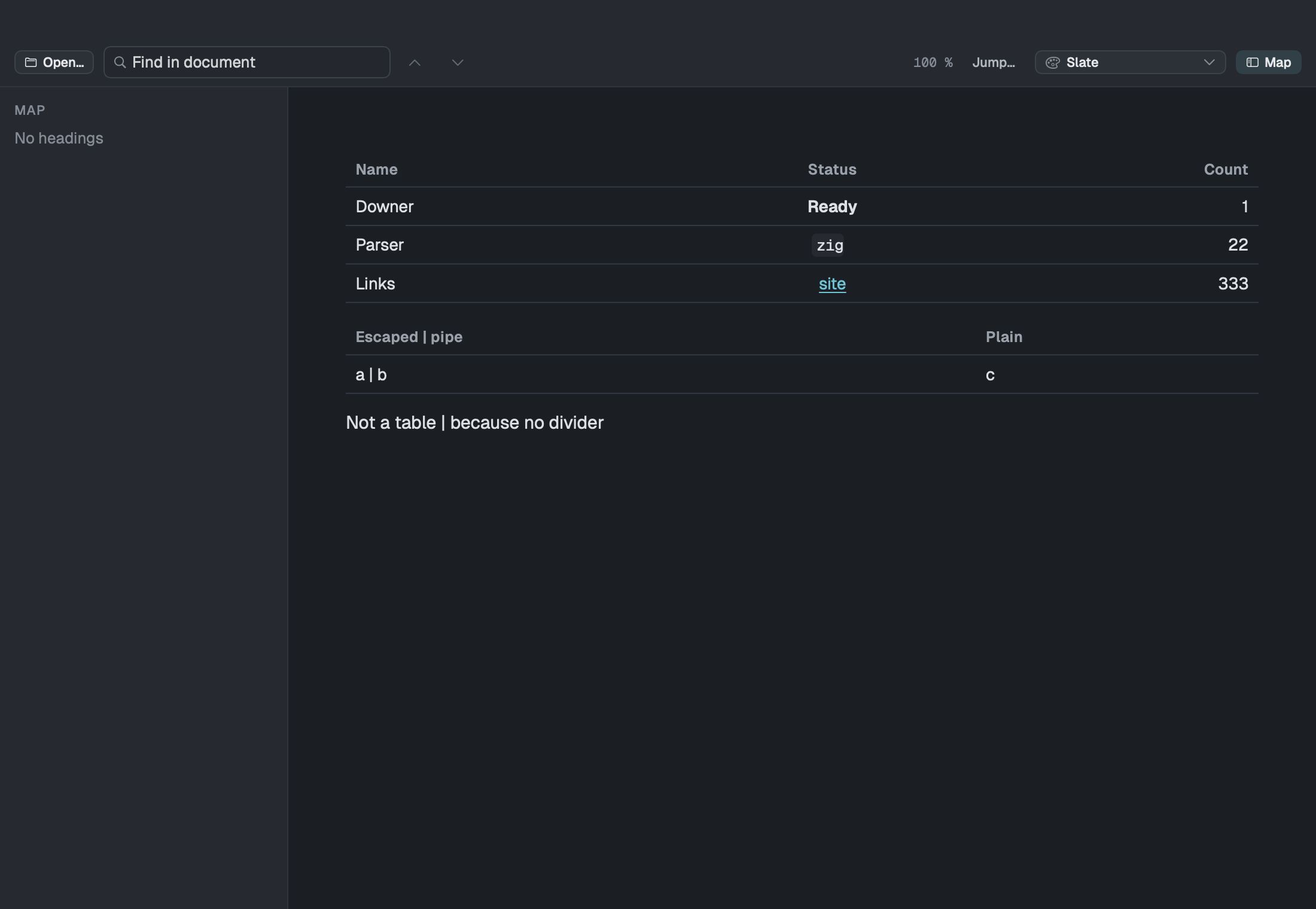
Tables, task lists, strikethrough, collapsible details sections, emoji shortcodes and images, local or from the web. Downer follows the same rules GitHub does, so a README looks on your Mac the way it will on the web.
Mermaid diagrams
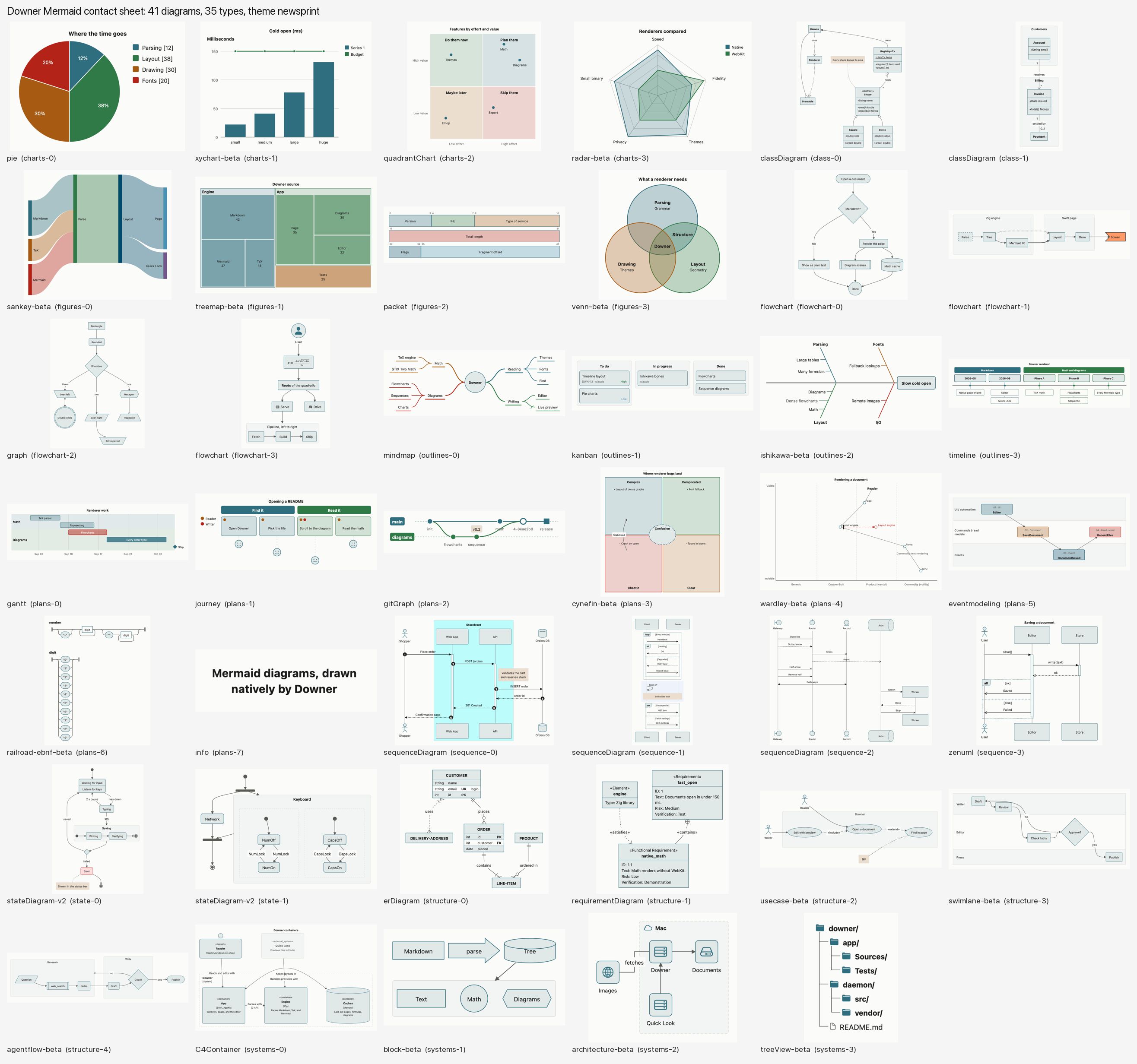
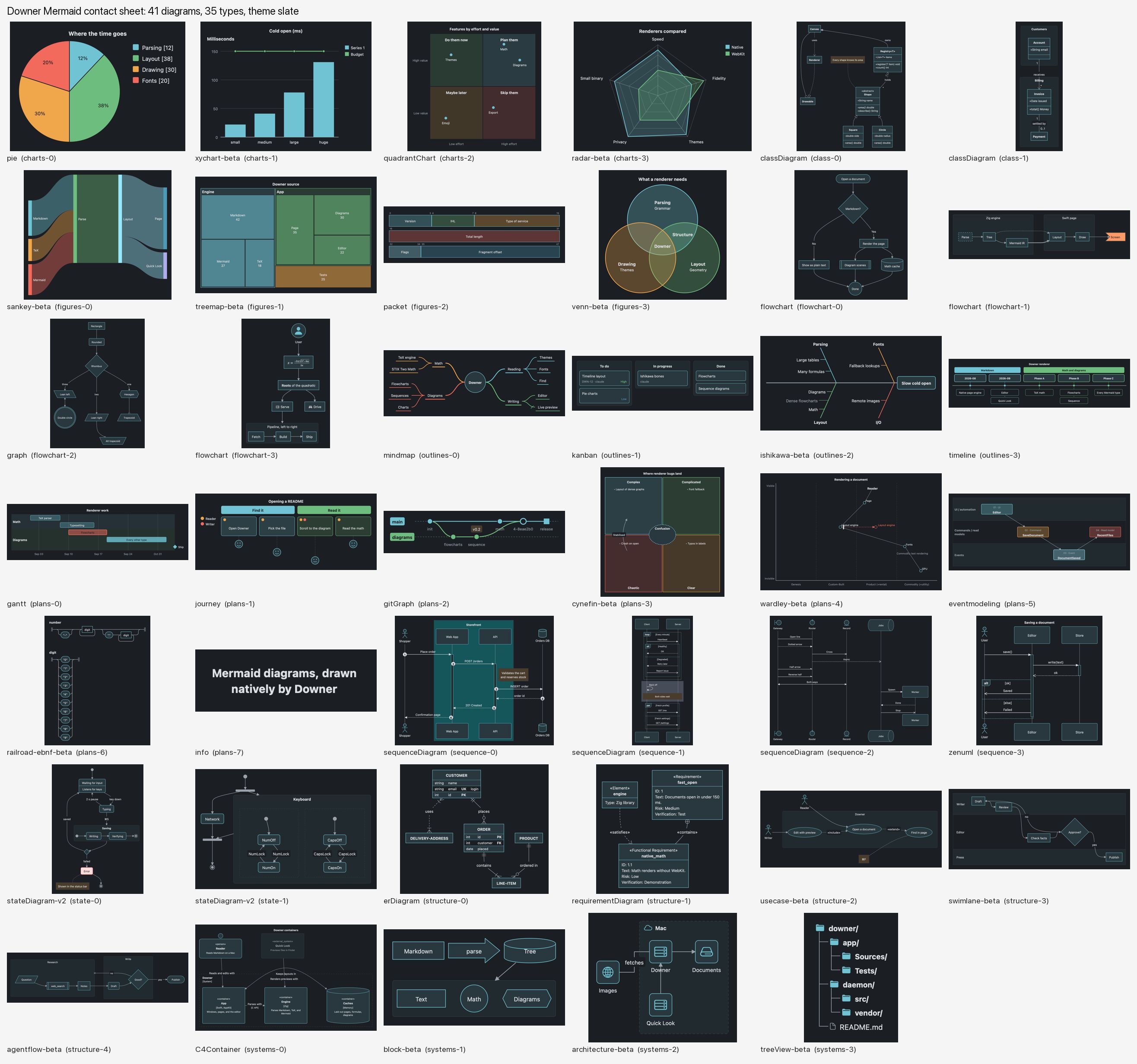
Every kind of Mermaid diagram, drawn right in the page
Flowcharts, sequence diagrams, Gantt charts, mind maps, class diagrams and the rest: about 35 diagram types in all. They appear the moment the page opens, in your theme's colours. Open a .mmd file on its own and Downer shows the diagram.
Math
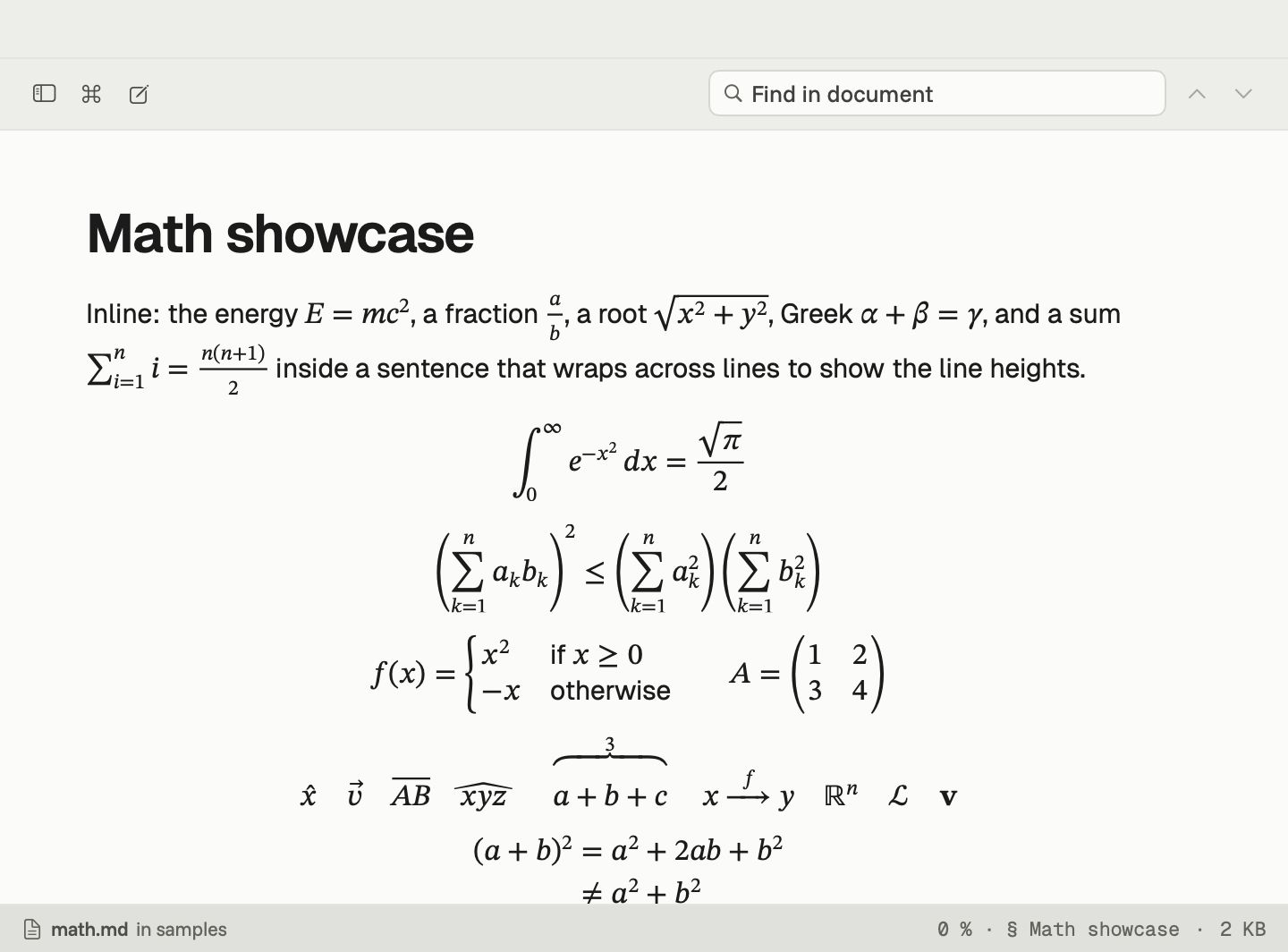
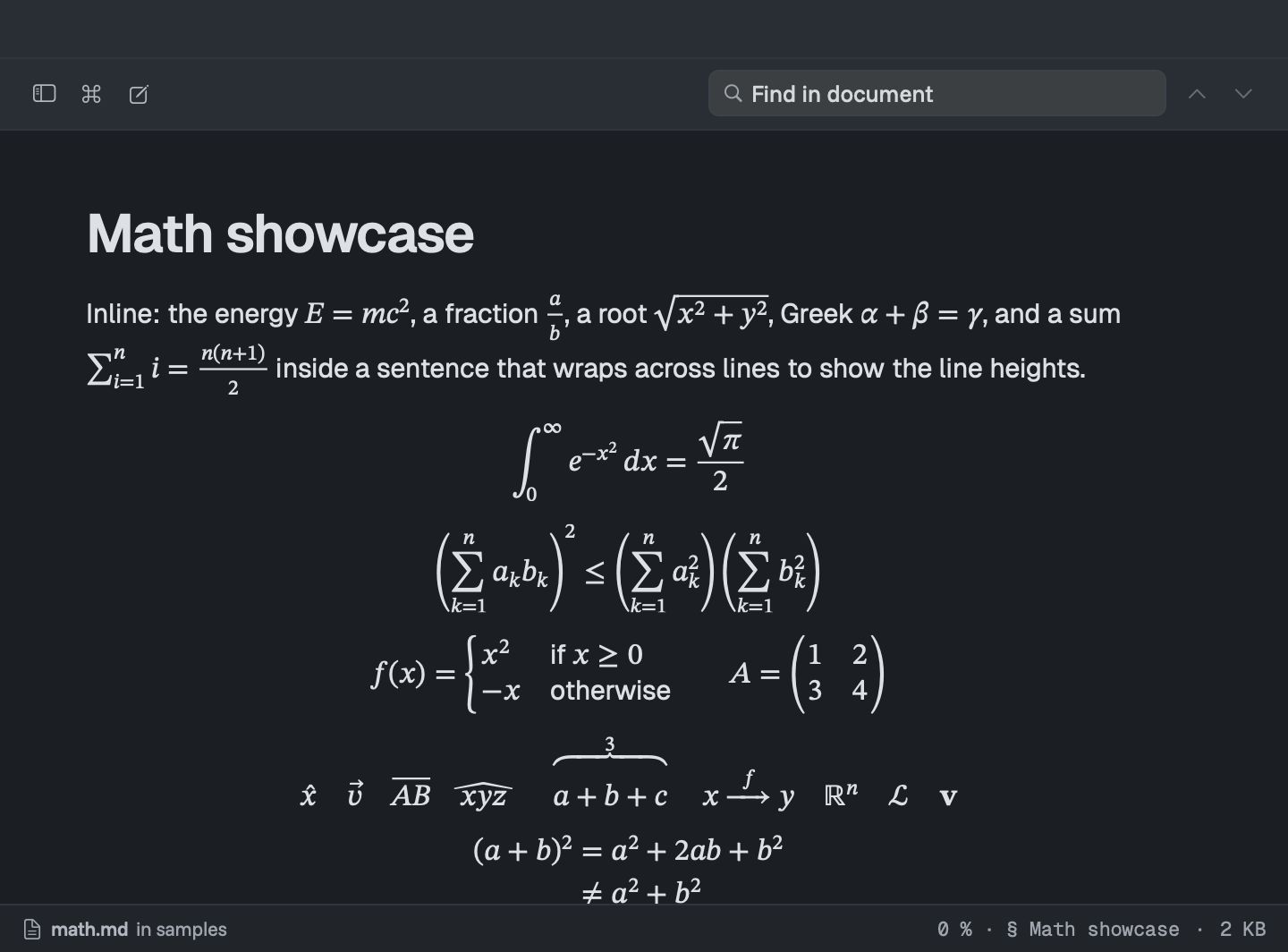
Equations that look like they came out of a textbook
Write math the usual way, between dollar signs, and Downer sets it properly: fractions, sums, matrices, aligned equations and the symbols you expect. It supports the same commands as KaTeX, the library many Markdown tools use.
LaTeX papers
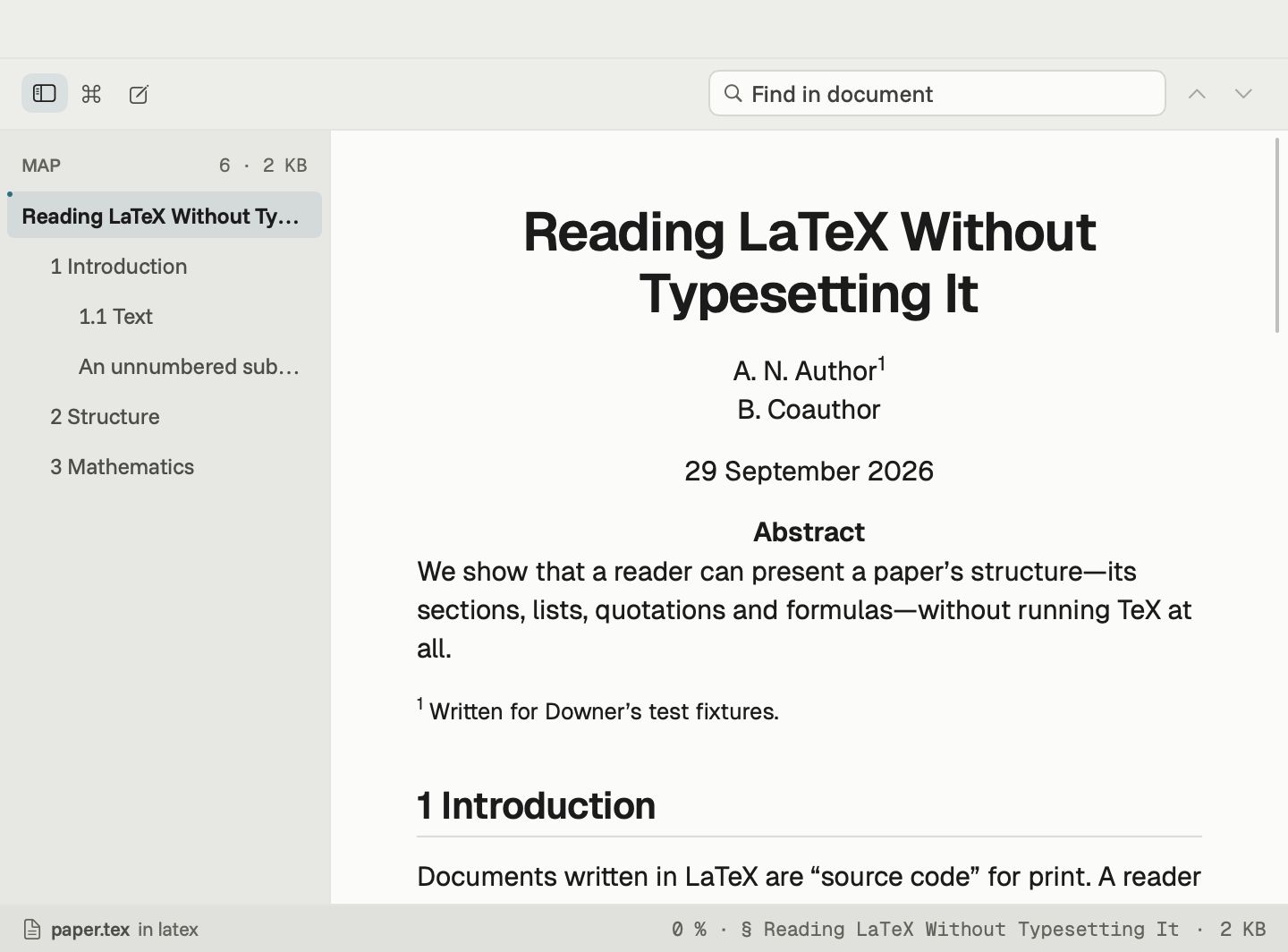
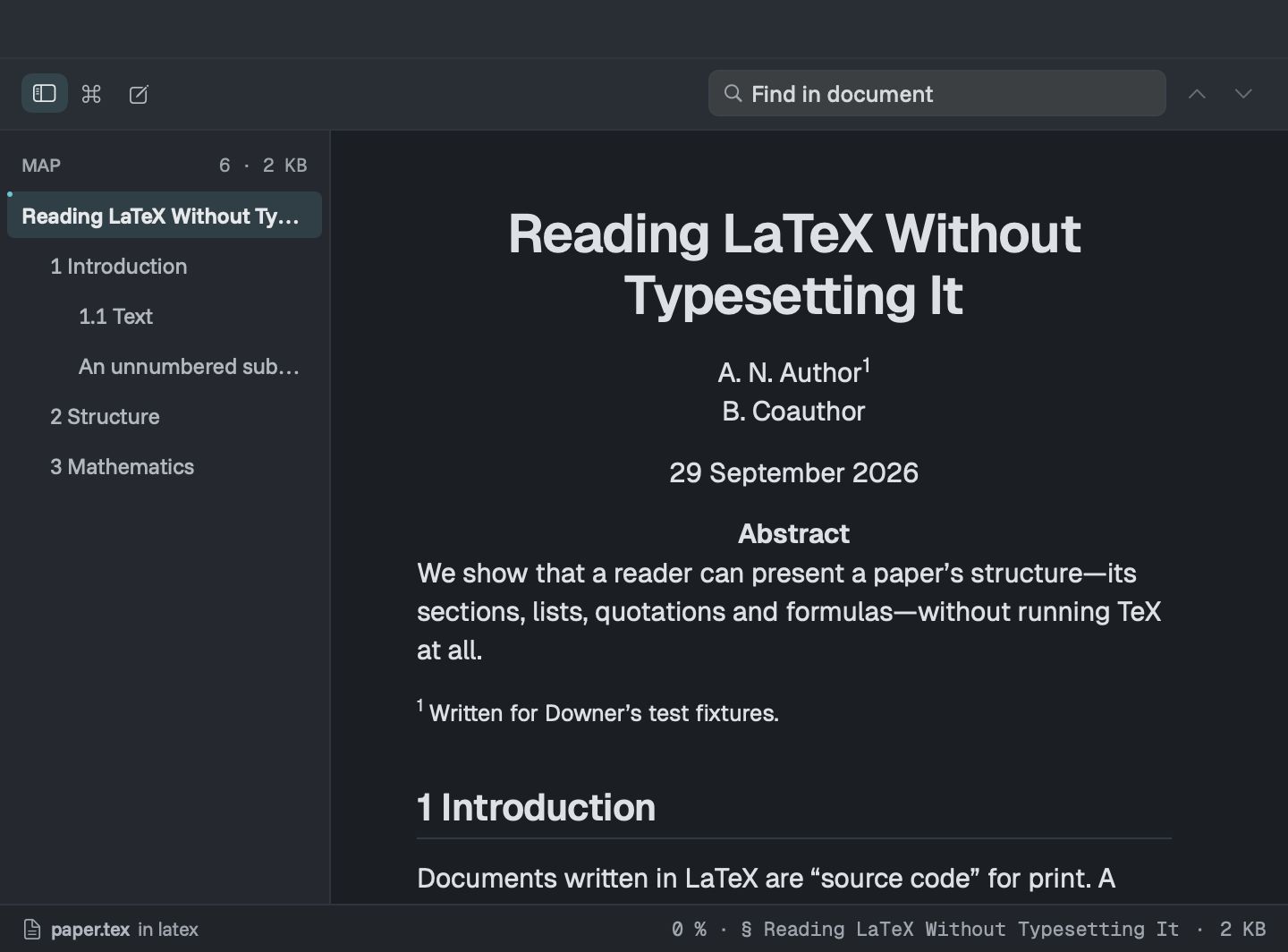
Read a .tex paper without compiling it
Open a .tex file and read it as a page: title, sections, lists, tables, figures, theorems, references and math. No TeX installation and no waiting for a PDF.
Editor
Fix a typo without switching apps
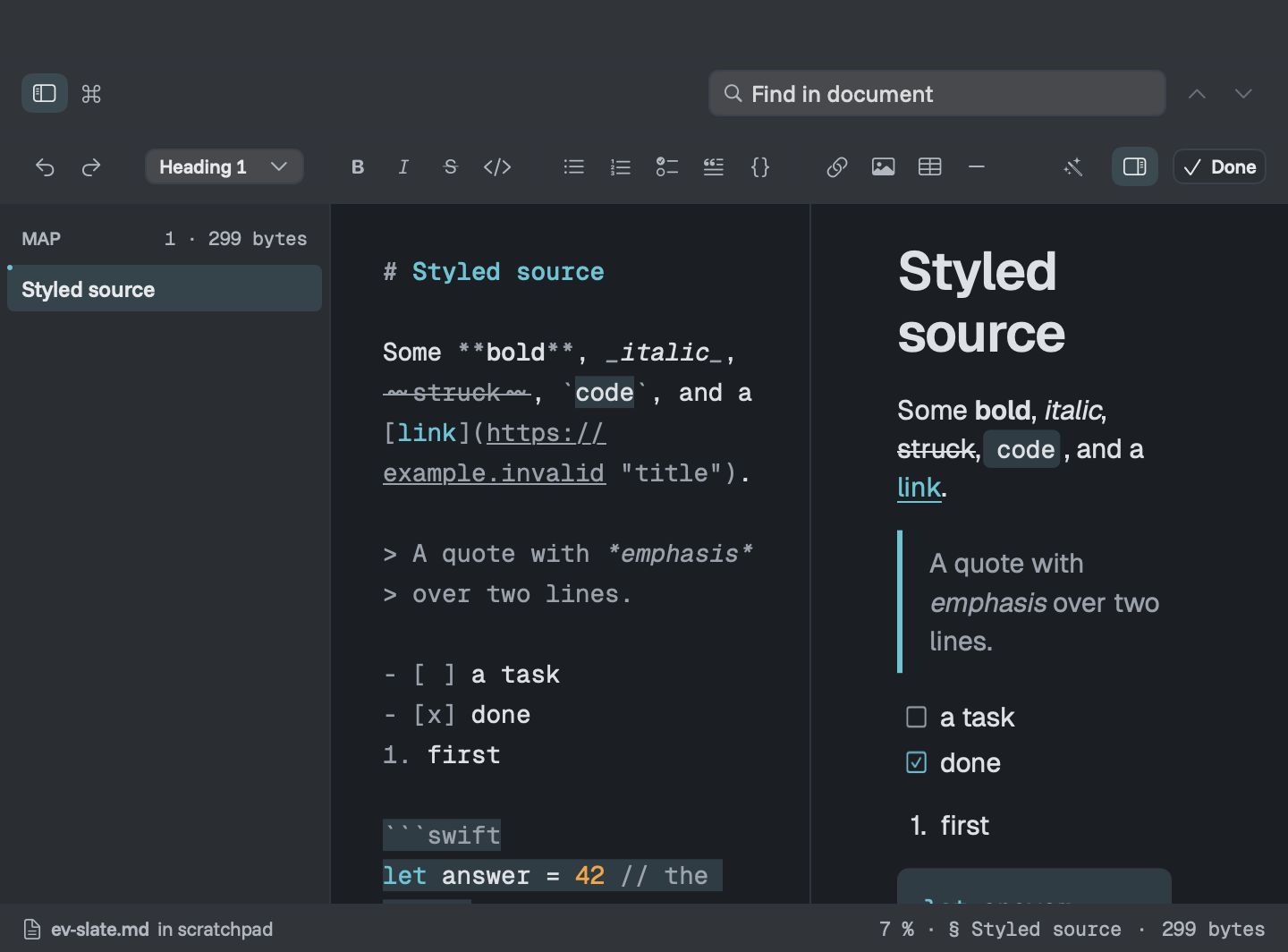
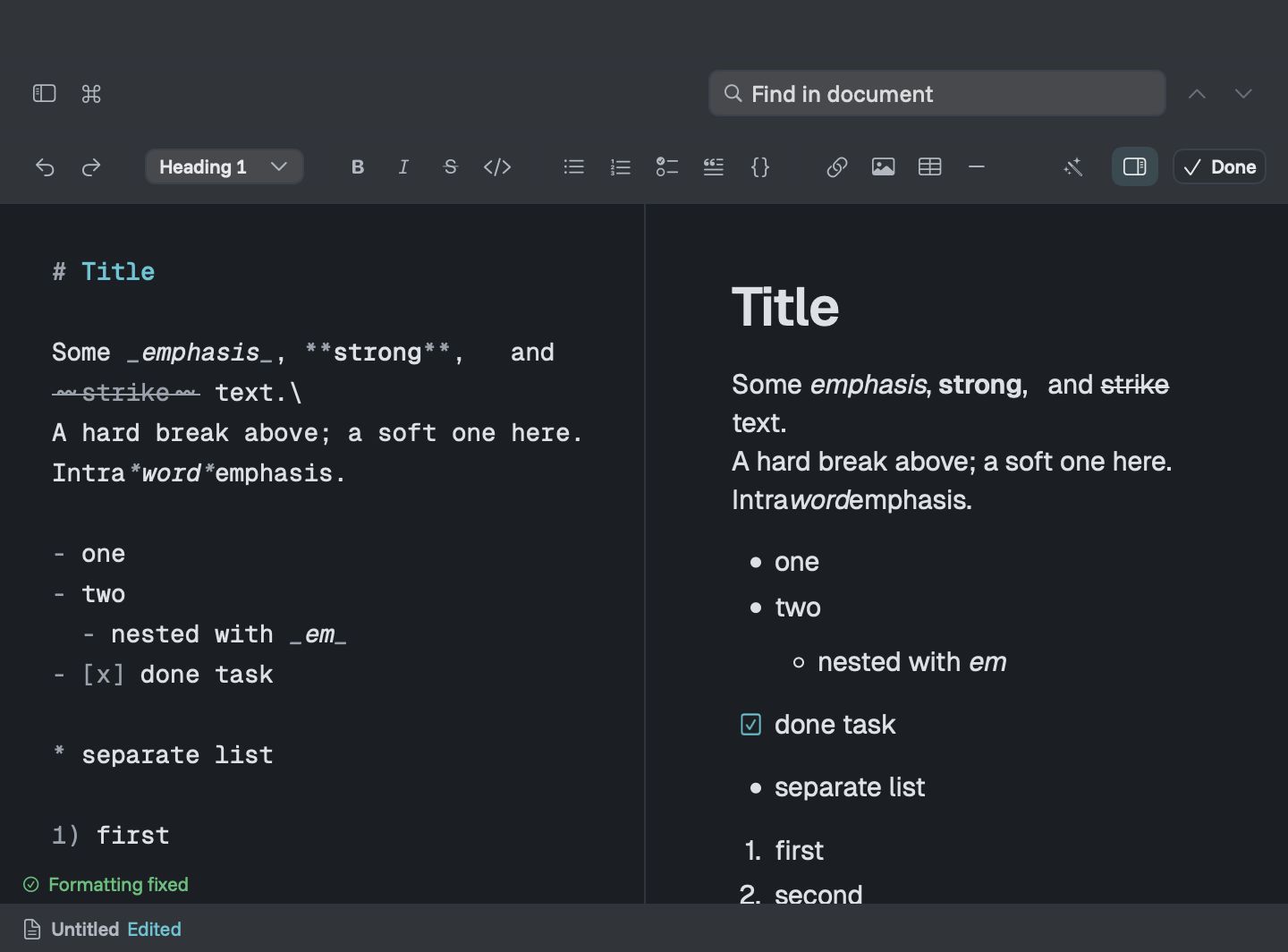
Press edit and the source opens beside the live preview, scrolled to the same place. A formatting bar and shortcuts handle headings, lists, links, tables and code.
Fix Formatting tidies messy Markdown in one go, and only keeps the change if the page still looks exactly the same.
Finding your way
Long documents, without the scrolling
- Map lists every heading and shows how far you've read. Press ⌘1.
- Command palette jumps to any heading or action. Press ⌘K.
- Find shows how many matches there are and steps through them.
- Files shows your 30 most recent documents with previews, and collections keep a project's files together.
Quick Look
Press Space in Finder and read it there
Downer adds Quick Look previews for Markdown, Mermaid and LaTeX files, drawn the same way as in the app. Skim a folder of notes without opening a single window. Images stored next to a file appear when you open it in Downer.
Themes and fonts
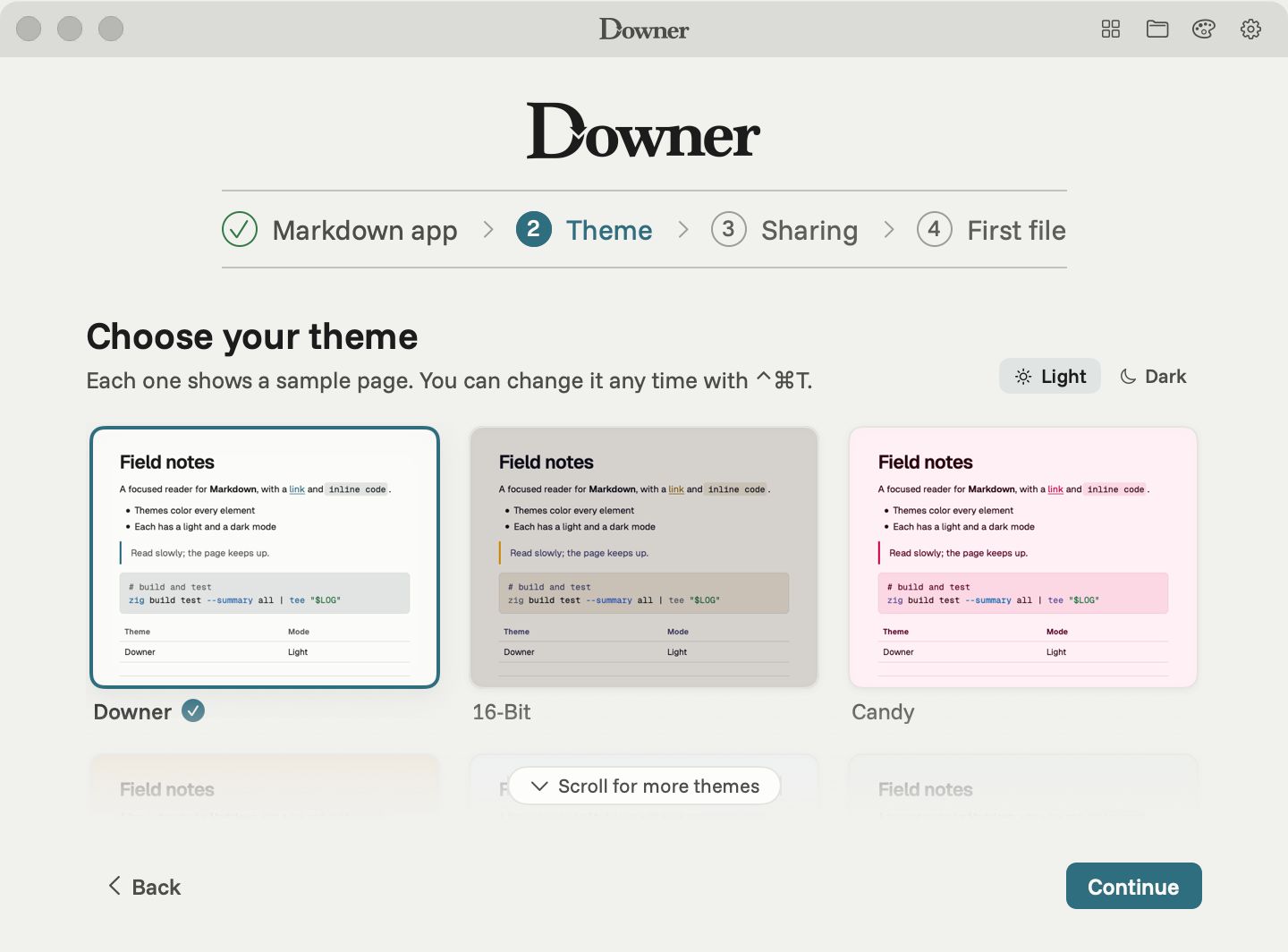
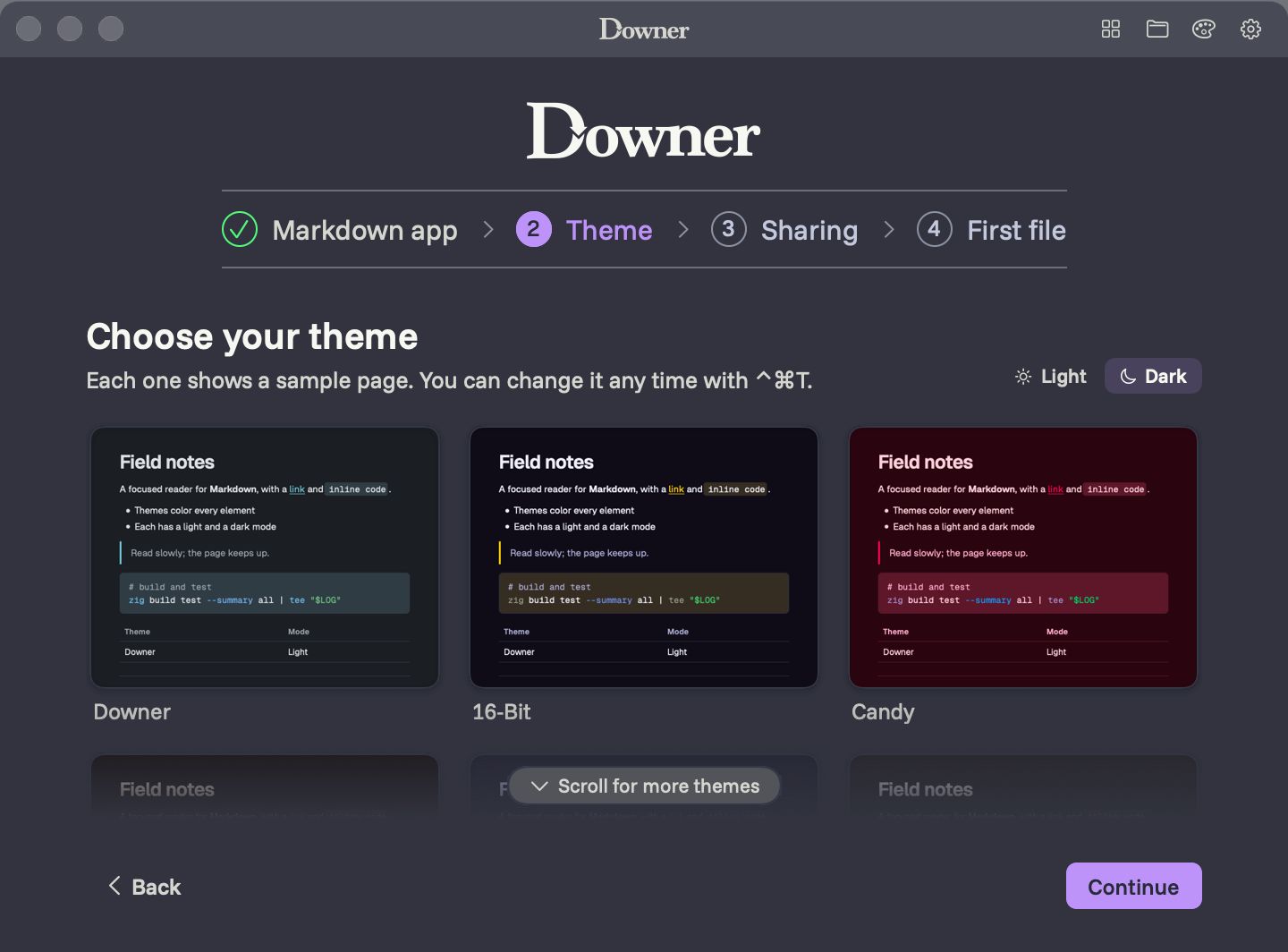
15 themes, 30 fonts, light and dark
Pick from 15 theme families, including Catppuccin, Dracula and Gruvbox, each in light and dark, or let Downer follow your Mac. Choose separate fonts for reading, code and the interface from 30 that come with the app.
Privacy
Your documents stay yours
- No account, no cloud, no sign-in.
- Usage sharing is off unless you turn it on, and never includes what you're reading.
- Downer only goes online to load web images in your documents, check for updates, and send feedback or usage data you've chosen to share.
Compare
How Downer compares
Honest notes on where Downer fits next to the apps you might already use.
Downer vs Typora
Typora is a polished editor that hides Markdown as you type. Downer is a fast reader first, with an editor beside the preview. Here's how they differ.
See the comparisonDowner vs Marked 2
Marked 2 is a long-standing previewer that sits beside whichever editor you write in. Downer is a reader with its own editor built in. Here's how they differ.
See the comparisonDowner vs Obsidian
Obsidian is a notes app built around a vault of linked Markdown files, with plugins and paid sync. Downer opens any Markdown file on your Mac and reads it beautifully.
See the comparisonDowner vs MarkEdit
MarkEdit is a small, free Markdown editor that feels like TextEdit for Markdown. Downer is a reader first, with diagrams, papers and an editor beside the preview.
See the comparisonDowner vs MacDown
MacDown is a free, long-running Markdown editor with a live preview, now carried on by a community edition. Downer is a fast reader with its own editor. Here's how they differ.
See the comparisonDowner vs QLMarkdown and Peekdown
QLMarkdown and Peekdown add Markdown previews to Finder's Quick Look. Downer does too, using the same drawing as its full reader. Here's how the three compare.
See the comparisonQuestions
Is Downer free?
Yes. Downer is a free download with no account and no subscription.
Which Macs does it run on?
Macs with Apple silicon (M1 or later) running macOS 14 or later. Intel Macs are not supported.
Can I edit as well as read?
Yes. Downer has a built-in editor with a live preview beside it, a formatting bar and the usual shortcuts. You save when you choose to.
Can Downer export to PDF or sync my files?
Not today. Downer opens the files you already have, wherever they live on your Mac, and leaves them there.
How big a file can it open?
Documents up to 8 MB, which is a very long Markdown file. Most READMEs and notes are a tiny fraction of that.
Does it read my files in Finder?
Yes. Press Space on a Markdown, Mermaid or LaTeX file in Finder and Quick Look shows it the way Downer does.
Try Downer on your Mac
Free for Apple silicon Macs running macOS 14 or later.